Positioning
Understanding neutral postures and adjustments for sitting, standing, and transitional movements throughout your day.
Learn evidence-informed principles of workspace setup, postural awareness, and movement routines to support comfort throughout your workday. Educational guidance tailored to office, remote, and hybrid environments.
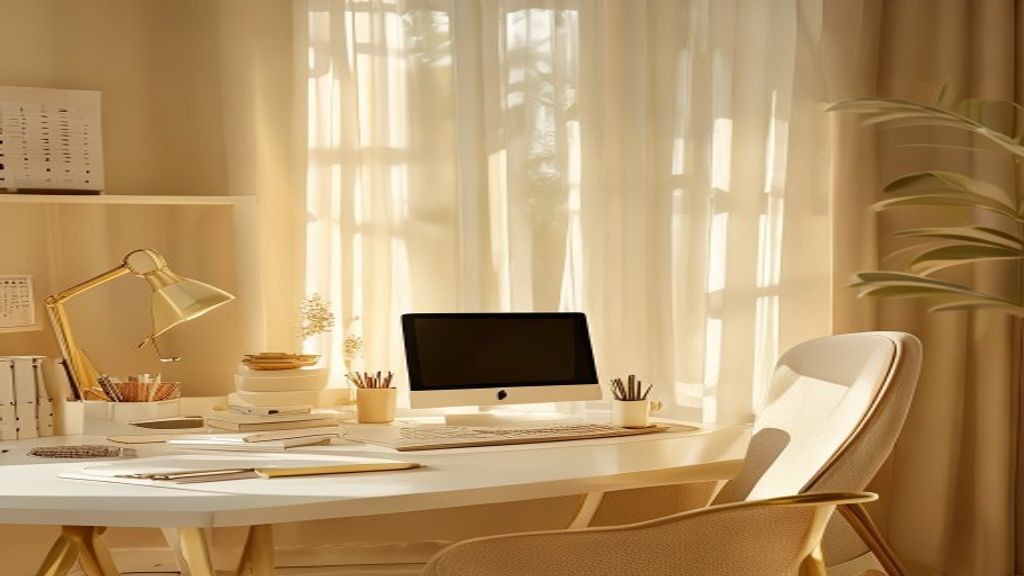
Our approach to ergonomic wellness is built on practical, research-informed principles applied to real work environments.
Understanding neutral postures and adjustments for sitting, standing, and transitional movements throughout your day.
Workspace dimensions, monitor height, keyboard placement, and equipment choices that support sustained comfort.
Micro-breaks, stretching routines, and postural transitions that reduce fatigue and maintain mobility.
Developing body awareness habits to recognize and adjust positioning before discomfort develops.
Our consultation process reviews your current setup, workspace constraints, and work patterns to identify optimization opportunities. We discuss positioning principles, equipment considerations, and movement integration specific to your environment.
The output is a personalized workspace guide with detailed recommendations for monitor position, seating adjustment, keyboard and mouse placement, and daily movement routines.
View Setup Guide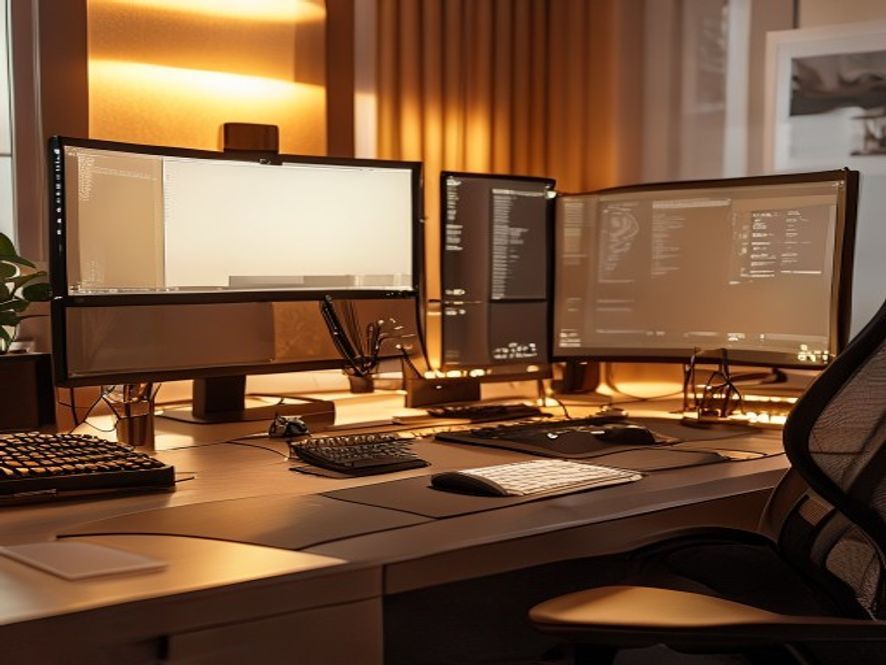
Take our brief questionnaire to discover workspace recommendations tailored to your work style, environment, and preferences.
What is your primary work environment?
How many hours daily do you spend at a desk?
What is your biggest workspace challenge?
Do you use a laptop, monitor, or multi-screen setup?
Office Setup Focus: Your workspace likely has some constraints. We recommend assessing chair adjustment, monitor positioning relative to existing furniture, and integrating movement breaks into your workday flow.
Get Office Workspace GuideRemote Workspace Focus: You have flexibility to customize. Prioritize monitor height, seating choice, and establishing a dedicated work zone with movement transitions built in.
Get Remote Setup GuideHybrid Environment Focus: Consistency across locations is key. We recommend portable adjustment strategies, consistent posture principles, and flexible movement routines adaptable to both spaces.
Get Hybrid Setup GuideSample micro-break routines to integrate throughout your workday.
Posture Check. Adjust chair height, monitor distance, and hand position. 2 minutes.
Lunch Movement. Walk away from desk. Brief neck and shoulder stretches. 5 minutes.
Stand & Reset. Stand for 2 minutes, gentle arm circles, glance at distant object. 3 minutes.
End-of-Day Routine. Final posture assessment, light stretching, workspace reset. 5 minutes.
This is an illustrative example. Your routine should align with your specific workday schedule and environment.
Choose the educational format that works best for your needs.
$0
30-minute introductory session
$175
60-minute detailed session
$299
Two 45-minute sessions
Custom
Organization-wide educational program
$45
Self-guided digital reference
$59
Video & written routine library
Explore setup recommendations by workspace type and equipment configuration.
| Setup Type | Monitor Distance | Chair Height Priority | Key Adjustment |
|---|---|---|---|
| Laptop Only | Arm's length (20–26 inches) | Critical — support neutral wrist | External keyboard & mouse, or laptop stand |
| Single External Monitor | 24–28 inches, top at eye level | Adjust for desk height | Monitor arm or stand for fine positioning |
| Dual/Triple Monitor | Center at 26–30", peripherals angled | Align with center of workspace | Multi-monitor mount system |
| Standing Desk Setup | Slightly closer (22–24 inches) | Neutral elbow angle (90°) | Timed sit-stand transitions throughout day |
| Laptop + Secondary Monitor | Main at eye level, secondary slightly lower | Accommodate dual-height setup | Laptop stand + external monitor positioning |
Individual experiences shared. Results and satisfaction vary based on personal implementation and individual factors.
"The workspace assessment identified several adjustments I could make immediately. Within a week, I noticed less shoulder tension at the end of the workday. The guidance was practical and specific to my remote setup."
— Jennifer M., Portland OR
"I appreciated the educational approach. Rather than selling equipment, the consultant reviewed what I already had and showed me how to position things better. The movement routine became part of my daily habit."
— Marcus T., Seattle WA
"As someone working hybrid, having consistent positioning principles for both home and office made a real difference in my workflow. The follow-up consultation helped me refine the setup further."
— Alex Chen, San Francisco CA
"The micro-break routines felt manageable. I implemented them gradually without disrupting my work. The posture awareness component was especially valuable for recognizing when I was drifting into poor positioning."
— Sophia R., Austin TX
No. We provide educational information about workspace setup, positioning principles, and movement routines. We do not diagnose conditions, provide medical treatment, or function as physical therapy. If you have pain or medical concerns, consult a healthcare professional.
Workspace optimization is educational guidance. Individual factors — prior injury, medical conditions, or other health issues — affect comfort outcomes. Our recommendations are informational only. Persistent discomfort warrants evaluation by a healthcare provider.
Yes. We provide materials and guidance for self-assessment and setup. Many people successfully implement positioning and movement routines independently using our educational content. Consultations accelerate the process with personalized review.
Equipment is optional. Many workspace improvements come from positioning, adjustment, and habit changes using existing furniture and setup. We discuss equipment possibilities as an educational reference, but emphasize that optimal setup depends on your individual space and budget.
Our consultations assess YOUR specific workspace, work patterns, and constraints. We customize recommendations to your actual setup rather than providing generic guidance. This personalized approach often surfaces optimization opportunities that generic content misses.
Yes. We offer organizational workshops and team programs with group education sessions and individual workspace consultations. These are educational programs to support workplace wellness awareness and practical implementation across your team. Contact us for a proposal.
Start with a free 30-minute assessment to understand your workspace and receive initial recommendations.
Schedule Free Consultation